
Multi-Tenant by Design: Agency, Brand, User Hierarchy
Trinzik’s Content Orchestration System (COS) is built from the database up for agencies managing multiple brands. Multi-tenant architecture is enforced by Row-Level Security (RLS) at every query, not application-level filtering.
Three levels: Agency, Brand, User. Each brand has its own WordPress credentials, knowledge base, voice profiles, chatbot configuration, and feature flags. Each user’s role determines data visibility and capabilities.
The Agency Architecture
- Agency — top-level billing entity with custom branding, centralized management of all brands and users.
- Brand — per-client entity with its own WordPress credentials, SIC code, feature flags, knowledge base, voice profiles, and chatbot config. Categorized as active or prospective. Sidebar selector switches full platform context.
- User — authenticated via Supabase Auth with role in app_metadata. Three roles: Super Admin, Admin, Client.
- RLS enforcement — every query filtered by agency_id at the database engine level. Client-role users additionally restricted to their assigned brand_id.
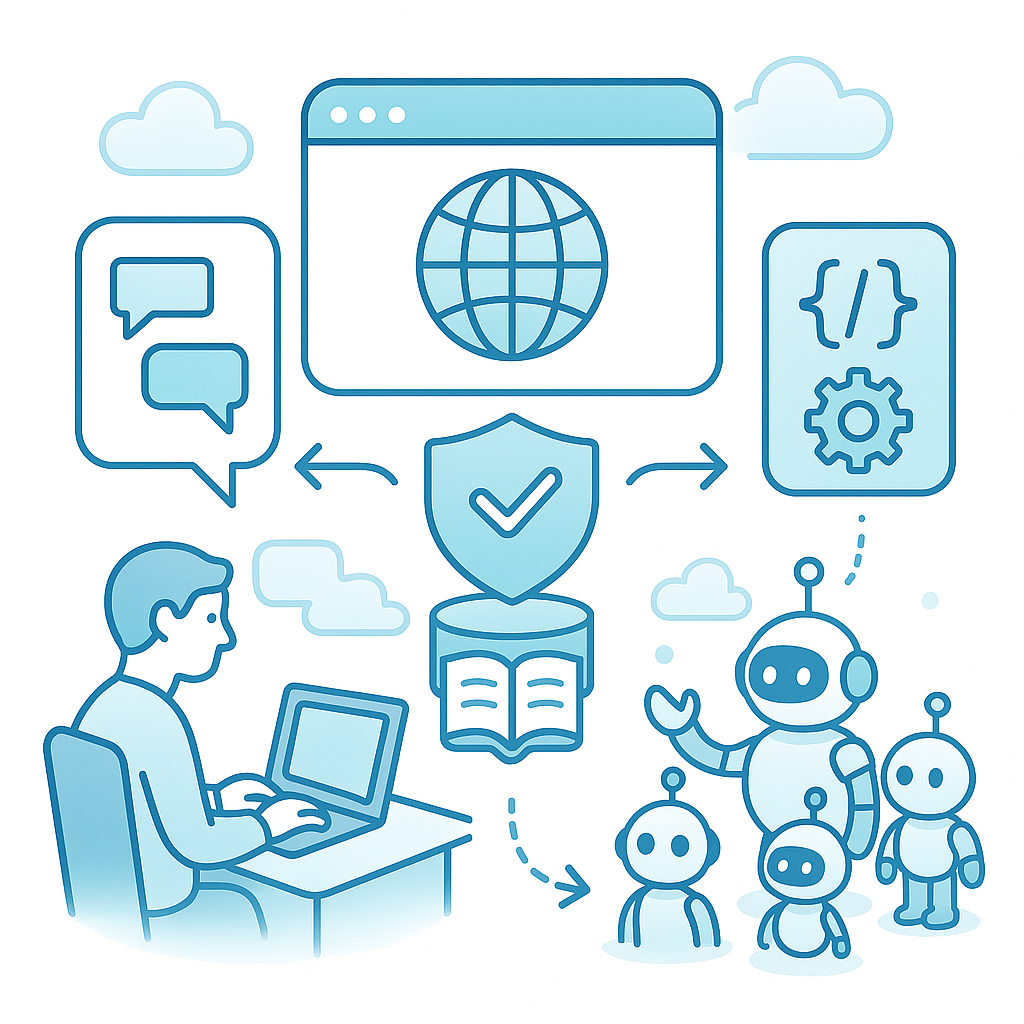
Role-Based Access
| Role | Scope | Capabilities |
|---|---|---|
| Super Admin | Platform-wide | All agencies, brands, users, billing, configuration |
| Admin | Agency-scoped | All studios, GEO campaigns, leads, outreach, knowledge, templates, billing within agency |
| Client | Brand-locked | GEO reports (read-only), chatbot analytics, Blog Studio (if can_generate enabled) |
Each role’s data boundary is enforced by RLS — not by hiding UI elements.
Per-Brand Configuration

- WordPress credentials — per-brand site URL, auth token, SEO plugin (Yoast, Rank Math, AIOSEO). Publish to 12 different WordPress sites from one dashboard.
- Feature flags —
can_generateenables content pipeline,can_use_titlesenables topic suggestions. Take effect immediately. - Active/prospective status — run GEO campaigns for prospects to demonstrate value before signing.
- Brand switching — sidebar selector changes entire platform context in one click.
Prompt Template Customization
- Each pipeline stage (research, draft, style, SEO) uses a distinct template. System defaults work immediately.
- Brand overrides replace defaults for specific brands with automatic fallback.
- Variable injection populates
{{brand_name}},{{keywords}},{{context}},{{url}}at execution time. One-click reset restores defaults. - Version history tracks all changes.
Credit-Based Billing Overview
Every operation costs credits. Credits pooled at agency level with optional Stripe Checkout top-ups.
Pre-flight enforcement blocks operations with insufficient credits (402 response) before AI processing begins. 13 license limits cap brands, users, projects, and operations per tier — counters reset on invoice payment. Stripe Customer Portal manages subscriptions and invoices. Append-only ledger records every transaction for audit.
Full pricing details → /pricing/
Set Up Your Agency

Frequently Asked Questions
How does multi-tenancy keep client data isolated?
Supabase RLS filters every query by agency_id at the database level. The engine rejects unauthorized access regardless of what the application layer requests. Agency A’s data is invisible to Agency B at every query, every table.
What can Client-role users see and do?
Brand-locked via RLS. Can view GEO reports, chatbot analytics, and published content. Blog Studio access if can_generate is enabled. Cannot access other brands, users, templates, or billing.
Can each brand have its own WordPress site?
Yes. Per-brand WordPress credentials (site URL, auth token, SEO plugin). Publish to 10 different sites from one session. Credentials enforced through RLS isolation.
How do prompt templates work across brands?
Stage-specific defaults with brand-level overrides. Variable injection for brand name, keywords, context, URL. One-click reset to defaults. Version history tracks all changes.